
Optimizing Adobe Firefly Workflows: From Basic Search to Professional Prompt Engineering
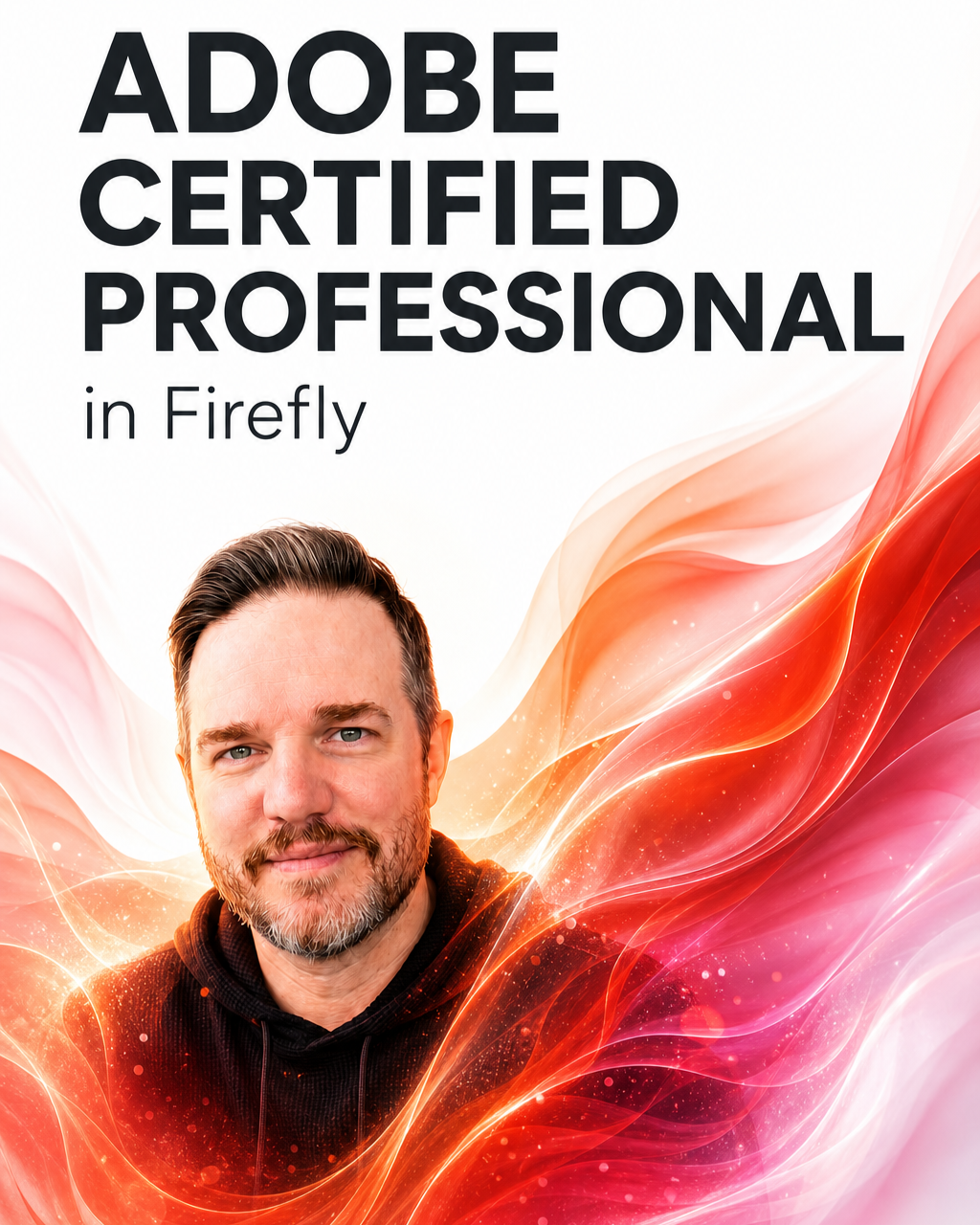
After recently earning my Adobe Certified Professional designation in Firefly, I spent some time reflecting on the biggest friction points creative teams face when adopting Generative AI.
With over 15 years of experience building video production and motion graphics pipelines, I’ve seen countless new tools introduced to the creative process. The adoption curve for Generative AI, however, is entirely unique. The fundamental problem isn't the technology itself; it's how we are talking to it.
The biggest takeaway from formalizing my Firefly expertise is this: Most people prompt Firefly like a search engine. Professionals prompt it like a creative brief.
If you are using Firefly (or any image generation model) at work and find yourself endlessly fighting the output, a simple structural reorder will get you 80% closer to your target on the very first generation.
Here is the exact framework to transition your prompts from basic searches to professional creative briefs.
The 5-Parameter AI Prompting Framework
AI models thrive on structured, prioritized data. When you dump a paragraph of unstructured ideas into a prompt box, the model has to guess what matters most. Instead, structure your prompt in this exact order:
1. Subject
Start with the absolute core of the image. What is the primary focal point? Be precise about demographic, action, and wardrobe.
Amateur: A guy working at a computer.
Professional: A mid-30s industrial designer sketching on a digital tablet at a cluttered wooden drafting table.
2. Lighting
Lighting dictates the volume, depth, and realism of your asset. Define the light source and quality immediately after your subject.
Professional Addition: ...illuminated by warm, directional golden hour sunlight streaming through a nearby window, with soft fill light on the face.
3. Lens & Camera
If you want cinematic or photorealistic results, you have to speak the language of cinematography. Define the focal length, depth of field, and camera angle.
Professional Addition: ...shot on a 50mm lens, shallow depth of field, blurred background, eye-level medium shot.
4. Mood & Aesthetic
Now that the physical reality of the scene is built, dictate the emotional tone or color grading.
Professional Addition: ...cinematic, high-contrast, moody, teal and orange color grading, highly detailed.
5. Reference (Style)
Finally, anchor the model with a specific artistic or technical reference point.
Professional Addition: ...editorial commercial photography, high-end tech lifestyle campaign.
The ROI of Structured Prompting
When you stitch those five elements together, you stop rolling the dice and start art directing.
For creative leaders and technology directors, this isn't just about making prettier pictures; it is about operational efficiency and business strategy. Shifting a team's mindset to the "creative brief" framework drastically reduces iteration cycles. It turns a frustrating hour of trial and error into a predictable, repeatable, five-minute task.
Furthermore, having a standardized prompting structure makes it infinitely easier to integrate these assets into a broader, enterprise-grade AI stack. When your foundational outputs are highly controlled, passing them downstream into tools like ComfyUI for advanced detailing or Runway for motion generation becomes a seamless pipeline rather than a chaotic bottleneck.
Generative tools are only as powerful as the direction they receive. Stop searching, and start directing.
What does your generative AI stack look like right now? Are you integrating Firefly, Figma Weave, or other models/platforms into your daily workflow? Let’s trade notes in the comments below on what is working for your team.